Facebook Messenger Customer Service in 2026
How to run customer service on Facebook Messenger and Instagram DMs — the 24-hour window, automation, and routing social messages into one support queue.
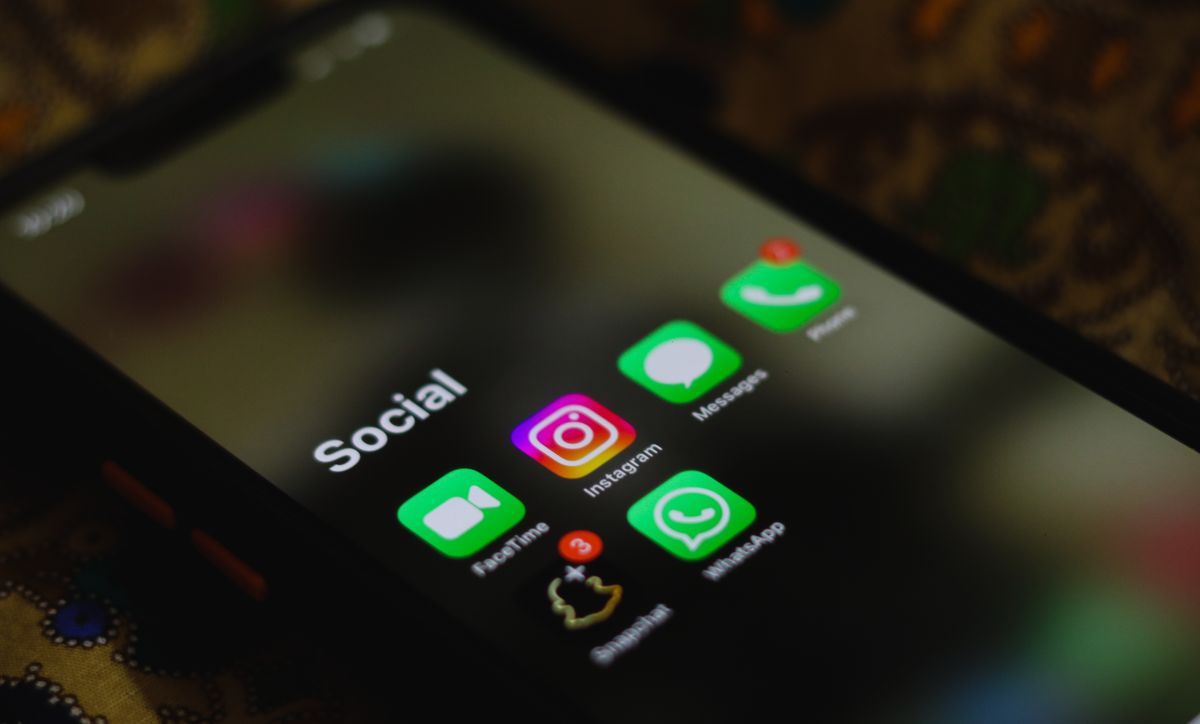
Short answer: Facebook Messenger and Instagram DMs work well for support when they land in the same queue as everything else and get answered inside the 24-hour window. Run them on a personal phone and they become a silo nobody can see when that person is away.
Social support has one property that web chat does not: it is semi-public. How fast you reply is visible, and so is ignoring someone.
The window that sets the pace
Once a customer messages you, you can reply freely for 24 hours. After that your options narrow sharply. In practice this makes Messenger less forgiving than email, where a next-day reply is normal and nothing expires.
Teams that run social support well either cover the hours properly or let automation hold the conversation until a person is free. Teams that run it badly discover a 40-hour-old message on Monday and can no longer answer it the way they want to.
Public comment or private message
Treat them as different jobs.
A public comment asking “is this back in stock?” deserves a short public answer, because every other customer reading the thread gets the information too. A comment containing an order number, a complaint about a delivery, or anything with personal details should be moved to DM quickly and politely.
The mistake to avoid is asking for personal information in a public thread. It happens constantly, it is a privacy problem, and it teaches customers a habit you do not want.
Automate the repetitive share, visibly
Opening hours, delivery times, returns windows and stock questions are the bulk of inbound social volume for most retailers. An automated reply handles those instantly, which matters more here than on your website because expectations on messaging apps are set by friends replying in seconds.
Two rules make social automation work. Say plainly that it is automated, because people are quicker to forgive a bot that admits it. And make the route to a human obvious in the first message, not the fourth — a bot looping in a DM is the kind of thing customers screenshot.
Our comparison of the best AI chatbots treats handoff quality as the deciding feature for exactly this reason.
Do not build a second support silo
The common failure is one person owning the social inbox on their phone. Conversations never become tickets, history is invisible to everyone else, and when that person is on leave the queue stops.
Route Messenger and Instagram into the same place as your web chat and email so a conversation becomes a tracked item with an owner regardless of where it arrived. That is what omnichannel customer support actually means in practice, and the ticketing layer behind it is the part that makes it work — see CRM ticketing.
Where this sits against web chat
Social support reaches people where they already are and keeps a thread alive across days. Web chat catches people at the moment of decision, on the page where they are deciding, which is worth more per conversation for most businesses.
They are not substitutes. If your enquiries already arrive on social, answer them there. If your traffic lands on your website, a live chat widget will do more for you than a Messenger queue.
Being clear about our own scope: EasyChatDesk is web-chat-first, with live chat, AI and ticketing on one plan from $17 per agent per month — see pricing. If social messaging is your primary channel rather than an additional one, a platform built around Meta’s and WhatsApp’s APIs will serve you better, and we cover that comparison in SleekFlow alternatives and our WhatsApp customer service guide.
Frequently asked questions
Can I use Facebook Messenger for customer service?
Yes. A Facebook Page can receive and answer messages directly, and Meta's platform lets you connect Messenger and Instagram DMs to a help desk so several agents can work the same queue with assignment and history.
What is the 24-hour rule on Messenger?
After a customer messages you, you can reply freely for 24 hours. Outside that window your options are restricted to specific message types, which is why response time matters more on social channels than it does on email.
Should I answer support questions in public comments or DMs?
Acknowledge publicly, resolve privately. A short public reply shows other customers you are responsive; anything involving order details, personal information or a refund belongs in a direct message. Never ask for personal data in a public comment thread.
Can I automate Facebook Messenger replies?
Yes, and for common questions you should. Opening hours, delivery timelines and returns policy are well suited to automated replies. Make the handoff to a person obvious, because a bot that loops on social is more visible and more damaging than one on your own site.
Is Messenger support worth it for a small business?
If a meaningful share of your enquiries already arrive there, yes, because customers will not move channel just to suit you. If your traffic lands on your website and social is a broadcast channel for you, a chat widget earns more attention than a Messenger queue.
Level up your customer support
Try EasyChatDesk free: live chat, help desk ticketing and an AI chatbot in one platform.
Start for freeRelated articles
Bad Customer Service Stories, and the Failures Behind Them
Six recurring bad customer service experiences, what actually causes each one operationally, and the specific fix — composites drawn from common support failures.
Read more
Client vs Customer: The Difference and Why It Matters
Client and customer are not synonyms. Here is the actual difference, when each word is correct, and how the distinction changes the way you run support.
Read more
Customer Success vs Customer Support: Key Differences
Customer success vs customer support — reactive versus proactive, different metrics, different skills, and how the two functions should hand off to each other.
Read more