Live Chat vs Email Support: Which Is Better?
Live chat vs email support compared — speed, cost, context, and scale. See which channel fits your team and why most do best running both together.

Every support team eventually asks the same question: should we focus on live chat or email? Both get the job done, but they feel completely different to customers and put very different demands on your team. This guide compares live chat vs email support head to head — speed, cost, context, and scale — so you can decide where to invest, or how to run both well.
Live chat vs email support: the core difference
The fundamental split is timing. Live chat is synchronous — both people are present, and the conversation happens in real time. Email is asynchronous — one side writes, the other replies whenever they get to it, sometimes hours or days later.
That single difference cascades into everything else: how fast issues resolve, how customers feel, how much it costs, and how well each channel scales.
Speed and customer experience
Here, live chat wins decisively for most situations.
- Live chat resolves simple questions in minutes or seconds. The customer stays in flow, gets unblocked, and moves on. It’s ideal for pre-sale questions, checkout help, and quick troubleshooting.
- Email introduces delay. Even a “fast” email reply takes hours, and complex issues turn into multi-day threads as each side waits on the other.
For anything time-sensitive — an abandoned cart, a checkout error, a buying decision — the speed of live chat directly protects revenue. To understand the real-time mechanics, see how live chat works.
Detail and complexity
Email has a real edge for complex, documentation-heavy issues.
- Email handles long explanations, multiple attachments, formatted steps, and looping in colleagues. It creates a written record that’s easy to reference later.
- Live chat can feel cramped for genuinely complex problems. Long pastes and big attachments interrupt the conversational flow.
The good news: a strong live chat tool bridges this gap by converting a chat into a ticket, preserving the transcript and moving it into an email-style workflow for proper follow-up. Our CRM and ticketing system overview shows how that hand-off works.
Cost and efficiency
Live chat is more efficient per contact, with a caveat.
- An agent can handle several live chats at once, while an email is one-to-one until sent. That concurrency makes chat cheaper per resolution during staffed hours.
- Email doesn’t require anyone to be present, so it’s efficient for low-volume teams and after-hours coverage without staffing live shifts.
The biggest cost lever for both is automation. An AI chatbot can resolve a large share of chats instantly and even draft email replies, cutting cost per contact across both channels. Learn how an AI chatbot trained on your content does this.
Scale and coverage
- Email scales gracefully outside business hours — messages queue and wait, and customers expect a delay.
- Live chat needs coverage to feel “live.” Without staff or a bot, it falls back to offline mode, which is essentially email with extra steps.
The fix is pairing live chat with an AI chatbot for 24/7 coverage, so the channel stays responsive even when your team is asleep.
Side-by-side summary
| Factor | Live Chat | Email Support |
|---|---|---|
| Speed | Seconds to minutes | Hours to days |
| Best for | Quick questions, sales, checkout | Complex issues, attachments, records |
| Concurrency | Multiple chats per agent | One thread at a time |
| Coverage | Needs staff or AI to stay live | Naturally async, queues fine |
| Customer effort | Very low | Moderate |
| Paper trail | Transcript saved | Full written record |
So which should you choose?
For most businesses, the honest answer is both — with live chat as the front door. Use live chat to catch people in the moment, resolve quick questions, and convert hesitant buyers. Use email (via ticketing) for the complex, document-heavy issues that genuinely need a slower, written exchange.
The trick is making them one system, not two. When a chat becomes a ticket and a ticket emails the customer — all under one timeline — you get the speed of chat and the depth of email without the channel-switching chaos. For a broader take, our live chat best practices covers running it all smoothly.
One platform for both
EasyChatDesk unifies a fast live chat widget, an AI chatbot, full help desk ticketing, and custom forms in one place — so chat and email-style tickets share a single customer view. Connectors for Shopify, WooCommerce, and WordPress make setup quick.
Plans start at $17/agent/month with a 14-day free trial. Start your free trial and run live chat and ticketing side by side.
The verdict
Live chat beats email on speed, customer effort, and per-contact efficiency. Email beats chat on complexity and record-keeping. You don’t have to pick a winner — route quick questions to chat, complex ones to tickets, and let an AI chatbot lighten the load on both.
Level up your customer support
Try EasyChatDesk free: live chat, help desk ticketing and an AI chatbot in one platform.
Start for freeRelated articles
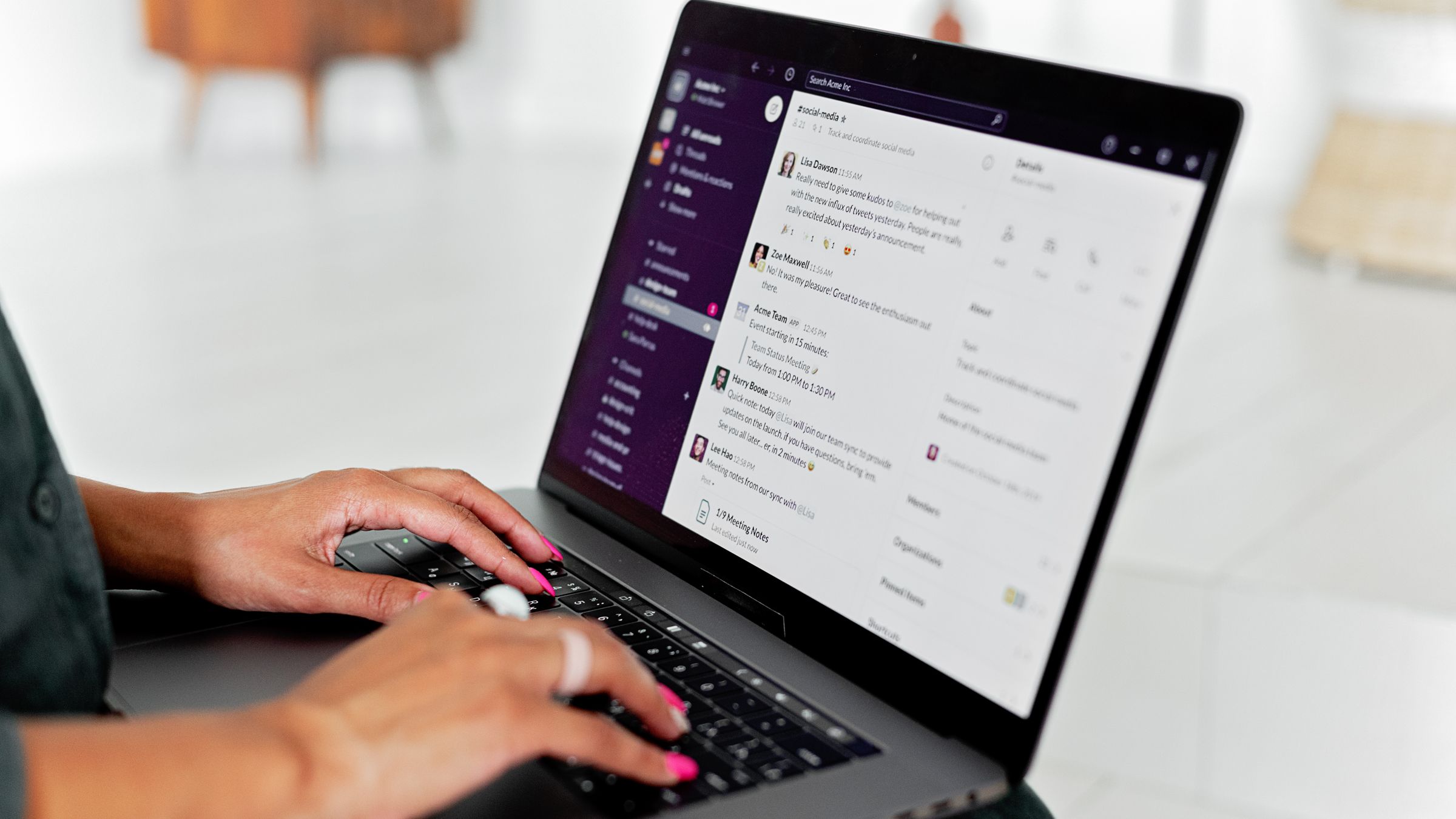
10 Best Chat Widgets for Websites in 2026
A hands-on roundup of the best chat widgets for websites — from free live chat to AI chatbots and full help desks. Compare features, pricing and which one fits your team.
Read more 9 Benefits of a Live Chat Widget on Your Website
Discover the real benefits of using a live chat widget on your website — higher conversions, faster support, lower costs and happier customers. A practical guide.
Read more
Free Live Chat for Blogger: How to Add It
Learn how to add free live chat to a Blogger blog. Paste one snippet to install a fast chat widget and AI chatbot in minutes so readers can reach you instantly.
Read more