Proactive Live Chat: A Practical Guide
A practical guide to proactive live chat — what it is, when to trigger messages, real examples, and how to lift conversions without annoying visitors.

Most live chat is reactive: a visitor has a problem, opens the chat, and waits for help. Proactive live chat flips that. Instead of waiting, your widget reaches out first — a friendly, well-timed message that catches people exactly when they’re hesitating. Done well, it lifts conversions and rescues stuck visitors. Done badly, it feels like a pushy salesperson. This guide shows you how to do it well.
What is proactive live chat?
Proactive live chat is when your chat widget sends an automated message to a visitor before they start a conversation, based on rules you define. Rather than sitting silently in the corner, the widget pops open with something relevant: “Need help choosing a plan?” on a pricing page, or “Stuck at checkout? I’m here” when someone lingers on the payment step.
The key word is relevant. A proactive message isn’t a random pop-up — it’s triggered by behavior that signals the visitor might need help or a nudge.
Reactive vs. proactive
- Reactive chat waits for the customer to initiate. It’s essential, but it only catches the people confident enough to ask.
- Proactive chat reaches the silent majority — the hesitant browsers who would have left without saying a word.
The best setups use both: proactive triggers to open doors, reactive support to walk people through.
When to trigger a proactive message
Timing is everything. Trigger too early and you interrupt; too late and the visitor’s already gone. Effective triggers are based on intent signals:
- Time on page. Someone reading your pricing page for 40 seconds is evaluating. A gentle offer to help is welcome.
- Specific high-value pages. Pricing, checkout, plans, and product comparison pages are prime real estate.
- Exit intent. When the cursor moves toward the close button, a last-chance message (“Questions before you go?”) can save the visit.
- Cart value or contents. On ecommerce sites, trigger help when a cart crosses a threshold or stalls.
- Returning visitors. Someone on their third visit is interested — a “Welcome back, anything I can help with?” feels personal.
- Scroll depth. Reaching the bottom of a long page signals genuine engagement.
When NOT to trigger
- On the very first second of a visit, before anyone’s oriented.
- On every page (it becomes noise fast).
- Repeatedly to the same person who already dismissed it.
- On mobile in a way that covers the whole screen.
Proactive message examples that work
The tone should be helpful, not salesy. A few examples by context:
- Pricing page: “Comparing plans? Happy to point you to the right one — just ask.”
- Checkout: “Almost there! If anything’s unclear about shipping or payment, I’m right here.”
- Product page: “Want to know if this is in stock in your size? I can check.”
- Blog or docs: “Reading up on setup? I can answer anything that’s not in the article.”
- Exit intent: “Before you go — is there a question I can answer quickly?”
- Returning visitor: “Welcome back! Picking up where you left off, or something new?”
Keep them short, warm, and tied to what the visitor is actually doing. For a full set of openers and replies, see our live chat scripts and templates.
Let AI handle the proactive layer
You don’t need an agent watching every page to run proactive chat. An AI chatbot can deliver the trigger message and field the response instantly — answering the question, qualifying the lead, or handing off to a human if needed. This means proactive chat runs 24/7 without burning agent time. Learn how an AI chatbot is trained on your content to do exactly this.
Measuring whether it’s working
Proactive chat should earn its place. Track:
- Engagement rate: how many people respond to the proactive message.
- Conversion lift: compare conversion on pages with and without triggers.
- Dismissal rate: if most people close it immediately, your timing or copy is off.
- CSAT on proactive chats: make sure the nudge feels helpful, not intrusive.
Our guide to live chat metrics and KPIs covers how to read these numbers properly.
A simple rollout plan
You don’t have to trigger everywhere on day one. Start small:
- Pick one high-intent page — usually pricing or checkout.
- Write one helpful message tied to that page’s context.
- Set a sensible delay (20–40 seconds is a common starting point).
- Let the AI chatbot handle responses and hand off when needed.
- Measure for two weeks, then expand to the next page if it’s working.
For more on running chat well overall, see our live chat best practices.
Set it up in minutes
EasyChatDesk includes proactive messages alongside a fast live chat widget, an AI chatbot, ticketing, and custom forms — with connectors for Shopify, WooCommerce, and WordPress. You set the trigger rules, write the message, and let the platform (or the bot) do the rest.
Plans start at $17/agent/month with a 14-day free trial. Start your free trial and turn passive visitors into conversations.
The takeaway
Proactive live chat works because it meets hesitation with help at the exact right moment. Trigger on real intent signals, keep the message short and warm, let AI carry the load, and measure the lift. Reach out before visitors leave, and you’ll catch the conversations — and conversions — you were quietly losing.
For the specific rules and timings — which triggers to set, what they should say and where they backfire — see our guide to live chat triggers, and live chat website examples for how these patterns look in practice.
Configuration detail: proactive triggers covers the conditions available and the four rules that stop proactive chat becoming irritating.
Level up your customer support
Try EasyChatDesk free: live chat, help desk ticketing and an AI chatbot in one platform.
Start for freeRelated articles
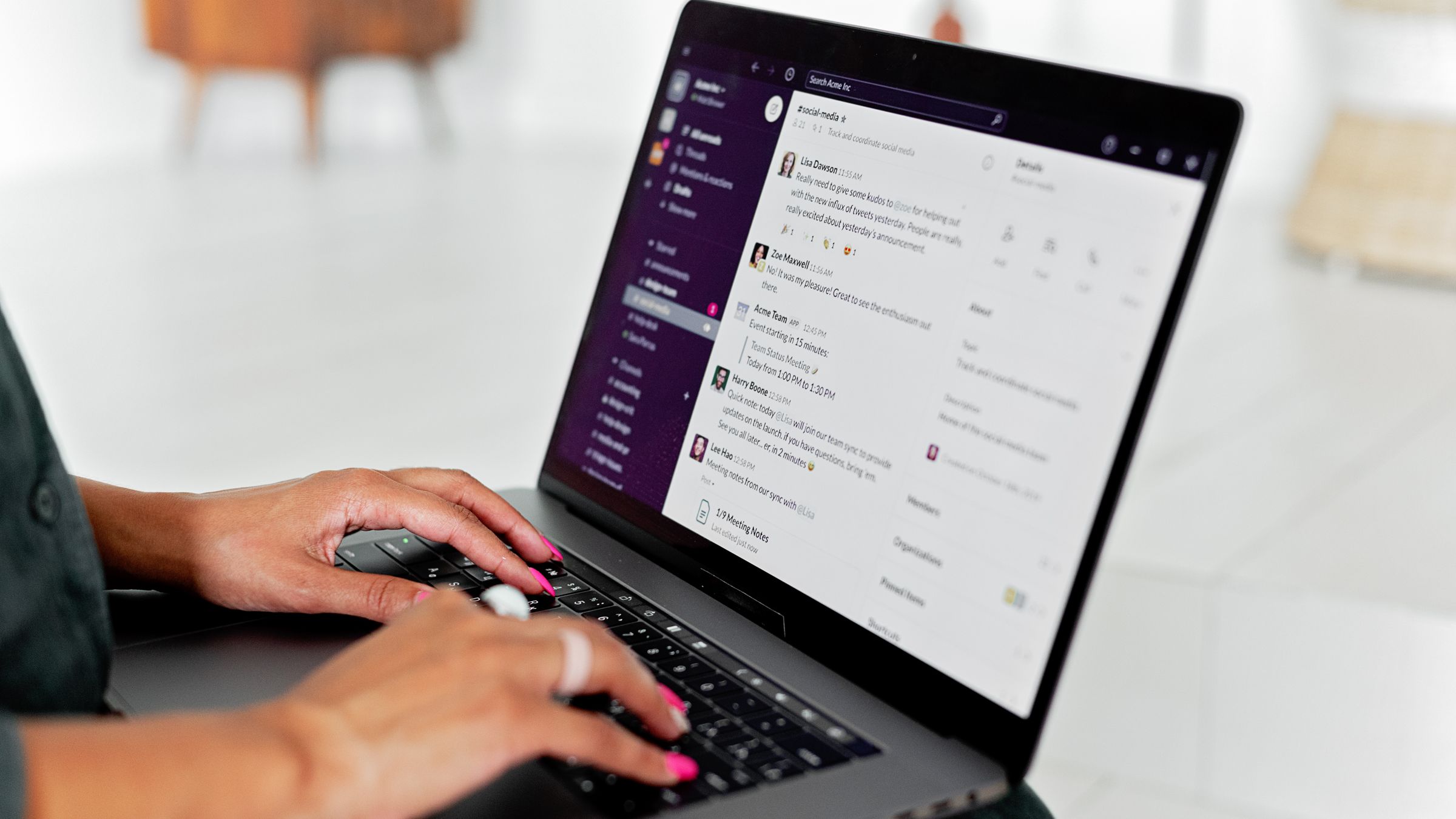
10 Best Chat Widgets for Websites in 2026
A hands-on roundup of the best chat widgets for websites — from free live chat to AI chatbots and full help desks. Compare features, pricing and which one fits your team.
Read more 9 Benefits of a Live Chat Widget on Your Website
Discover the real benefits of using a live chat widget on your website — higher conversions, faster support, lower costs and happier customers. A practical guide.
Read more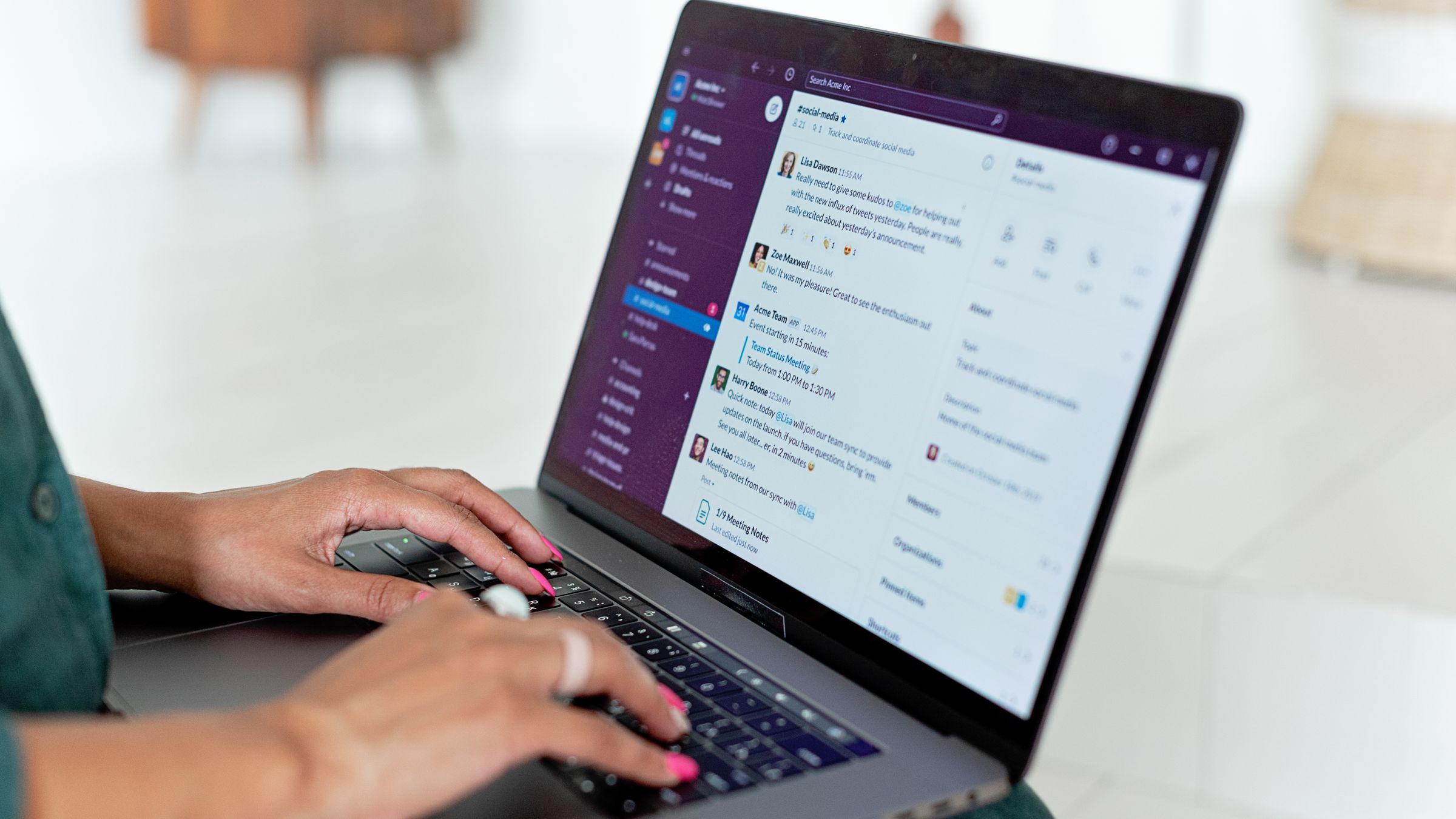
Free Live Chat for Blogger: How to Add It
Learn how to add free live chat to a Blogger blog. Paste one snippet to install a fast chat widget and AI chatbot in minutes so readers can reach you instantly.
Read more