JavaScript Live Chat: Adding Chat to Any Site
How JavaScript live chat widgets work — async loading, identifying users, custom attributes, events and SPA routing — with the performance details that matter.

Every hosted live chat product ships as a JavaScript snippet. Understanding what that snippet actually does makes the difference between a widget that quietly works and one that shows up in your performance budget.
The basic install
<script>window.__ecd={license:'YOUR_LICENSE_KEY'};</script>
<script src="https://cdn.easychatdesk.com/widget.min.js" async></script>
Two things matter here.
The async attribute. Without it, the browser stops parsing your page until the script downloads and executes. On a slow connection that’s a visible delay to your content — and a direct hit to Largest Contentful Paint. Any widget that requires a synchronous script tag is doing something wrong.
Placement. Before the closing </body> tag is the safest default. Some vendors suggest <head>; with async set that’s acceptable, but body-end guarantees your content parses first.
What happens after it loads
- The script fetches a small configuration payload.
- It injects an iframe containing the launcher button.
- Nothing else loads until the visitor clicks.
- On click, the full chat interface loads and a websocket connection opens for real-time messaging.
The iframe matters more than it looks: it isolates the widget’s CSS and JavaScript from your page, so the vendor’s styles can’t leak into your site and your CSS can’t accidentally break their layout. Widgets that inject directly into your DOM are a recurring source of styling conflicts.
The lazy-load step matters for performance. A widget that loads the entire chat application on page load can add several hundred kilobytes for visitors who never click.
Identifying logged-in users
For any product behind a login, this is the difference between generic chat and useful support.
<script>
  window.__ecd = {
    license: 'YOUR_LICENSE_KEY',
    user: {
      id: 'usr_8421',
      email: '[email protected]',
      name: 'Sarah Chen'
    },
    attributes: {
      plan: 'pro',
      accountAge: 34,
      onboardingComplete: false
    }
  };
</script>
Now an agent opens the conversation already seeing who this is, what they’re paying for and where they are in setup — rather than spending four messages establishing it. Our guide to in-app customer support covers why this changes the conversation entirely.
Send what helps an agent, not everything you hold. Every extra attribute is data you’re processing for no benefit and a privacy question you didn’t need to answer.
Single-page applications
React, Vue and similar frameworks don’t trigger a full page load on navigation, so the widget doesn’t know the visitor moved. Page-based triggers then misfire — the widget believes they’ve been on /pricing for the whole session.
The fix is to notify the widget on route change:
// After your router completes a navigation
window.__ecd?.page?.(window.location.pathname);
Wire this into your router’s navigation hook. Without it, live chat triggers tied to time-on-page will behave unpredictably.
Programmatic control
Most widgets expose an API for driving the chat from your own UI:
window.__ecd.open();                    // open the chat window
window.__ecd.close();
window.__ecd.hide();                    // hide the launcher entirely
window.__ecd.send('I need help with billing');
window.__ecd.update({ plan: 'enterprise' });  // update attributes after an upgrade
The two most useful applications:
Your own trigger buttons. A “Chat with us” link in your pricing table or an error state that offers help — better placed than the default launcher for those moments.
Hiding on specific pages. Call hide() on checkout for mobile, or on pages where the widget would obstruct something.
Performance in practice
What to verify before shipping:
- Does it load
asyncordefer? Non-negotiable. - Does it lazy-load the full interface? Check the network tab: the initial payload should be small, with the bulk arriving on click.
- Is it served from a CDN? A slow origin adds latency no amount of async hides.
- Does it inject render-blocking CSS? Some older widgets add stylesheets to
<head>, which blocks rendering just as effectively as a script.
Measure it yourself: run PageSpeed Insights before and after installing, and compare Largest Contentful Paint and Total Blocking Time. A good widget moves LCP by a handful of milliseconds. A jump of 200ms or more means it’s doing something it shouldn’t.
Loading it selectively
There’s no requirement to load chat everywhere. Conditionally including the script only on pages where questions arise — product, pricing, checkout, support — removes unnecessary requests from your content pages and keeps the widget out of the way where it adds little.
Content Security Policy
If you run a CSP, the widget needs allowances for its script origin, its connect origin for the websocket, and usually frame-src for the iframe. Vendors publish the specific directives; check before deploying to a locked-down environment rather than debugging a silent failure in production.
Where EasyChatDesk fits
EasyChatDesk loads asynchronously from a CDN, renders in an isolated iframe, lazy-loads the conversation interface on interaction, and exposes a JavaScript API for user identification, custom attributes, SPA route changes and programmatic control. The live chat widget features page covers the configuration options, and connectors handle Shopify, WooCommerce, WordPress, Slack and Zapier without custom code.
For the implementation detail, see install the widget — including conditional loading and the Content Security Policy directives you’ll need — and the REST API if you’re building against the platform rather than just embedding it.
Pricing is $17/agent/month with a 14-day free trial.
The takeaway
A chat widget is third-party JavaScript on your critical path, so treat it like one: confirm it loads async, lazy-loads the heavy part, and doesn’t inject blocking CSS. Then use the API properly — identify your users and handle SPA routing — because that’s where the widget stops being a chat bubble and starts being support.
Related: how to add live chat to an HTML website free, what is a live chat widget, and how does live chat work.
Frequently asked questions
How does a JavaScript live chat widget work?
A small script tag loads asynchronously after your page content, renders a launcher button in an iframe, and opens a websocket connection when the visitor starts a conversation. The iframe isolates the widget's styles and scripts from your page.
Will a chat widget slow down my site?
A well-built one adds negligible load time because it loads async and only fetches the full chat interface when clicked. A badly built one that loads synchronously in the head blocks rendering and will show up in your Core Web Vitals.
How do I identify logged-in users in a chat widget?
Pass the user's ID, email and any relevant attributes to the widget after your app knows who they are. This attaches conversations to the right account so agents see plan, usage and history instead of talking to an anonymous visitor.
How do chat widgets work in single-page applications?
The script loads once, but you need to notify the widget on route changes so page-based triggers fire correctly. Without that, the widget thinks the visitor has been on the same page for the whole session.
Can I control the chat widget programmatically?
Most widgets expose a JavaScript API for opening and closing the window, sending messages, updating user attributes and hiding the launcher on specific pages. This is how you trigger chat from your own buttons rather than relying only on the default launcher.
Should I load the chat widget on every page?
Usually not. Loading it only on pages where questions arise — product, pricing, checkout, support — reduces unnecessary requests and keeps the widget out of the way on content pages where it adds little.
Level up your customer support
Try EasyChatDesk free: live chat, help desk ticketing and an AI chatbot in one platform.
Start for freeRelated articles
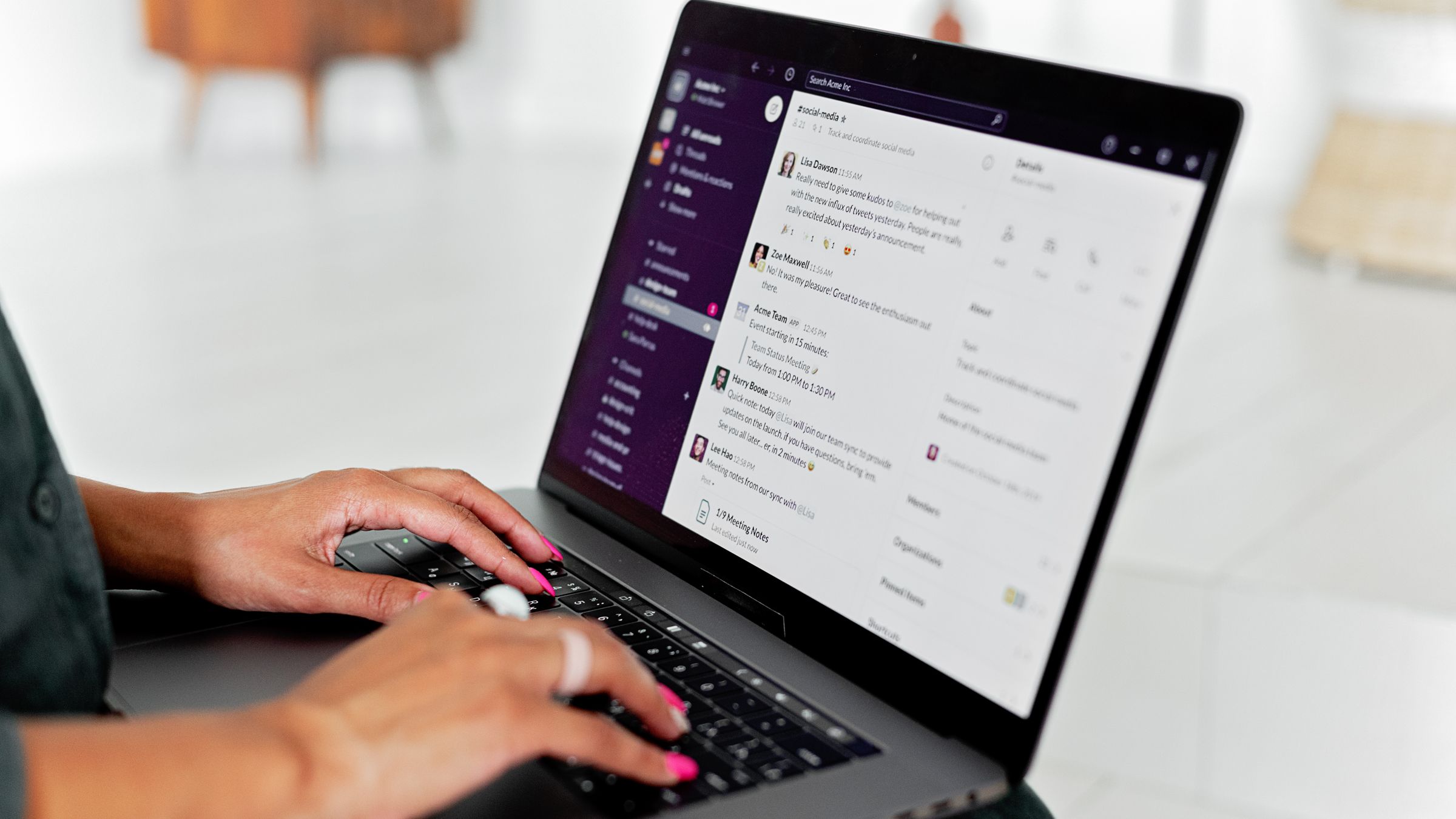
10 Best Chat Widgets for Websites in 2026
A hands-on roundup of the best chat widgets for websites — from free live chat to AI chatbots and full help desks. Compare features, pricing and which one fits your team.
Read more 9 Benefits of a Live Chat Widget on Your Website
Discover the real benefits of using a live chat widget on your website — higher conversions, faster support, lower costs and happier customers. A practical guide.
Read more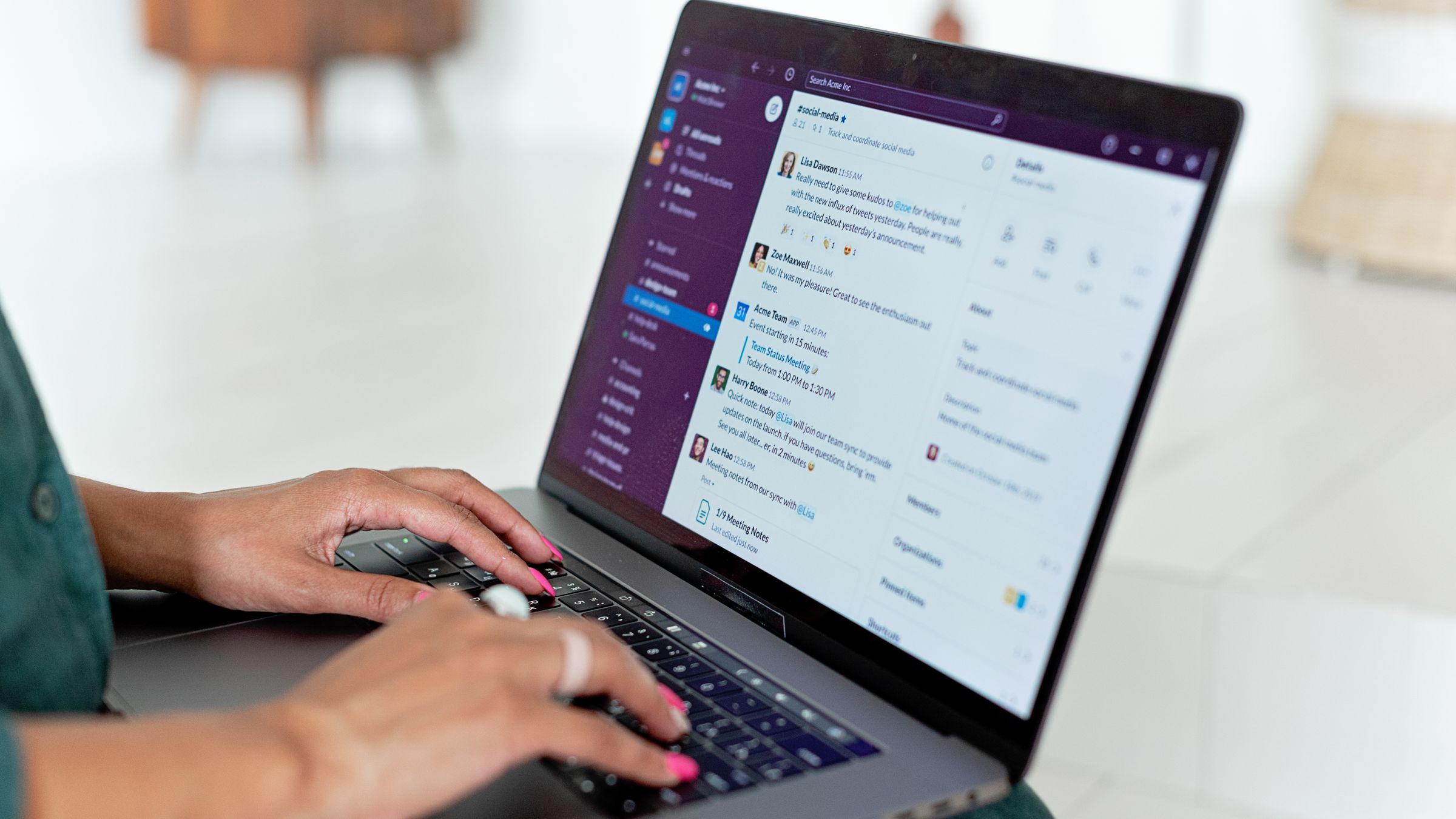
Free Live Chat for Blogger: How to Add It
Learn how to add free live chat to a Blogger blog. Paste one snippet to install a fast chat widget and AI chatbot in minutes so readers can reach you instantly.
Read more